

How to Create a Passport Size Photo from ChatGPT with Any Photo
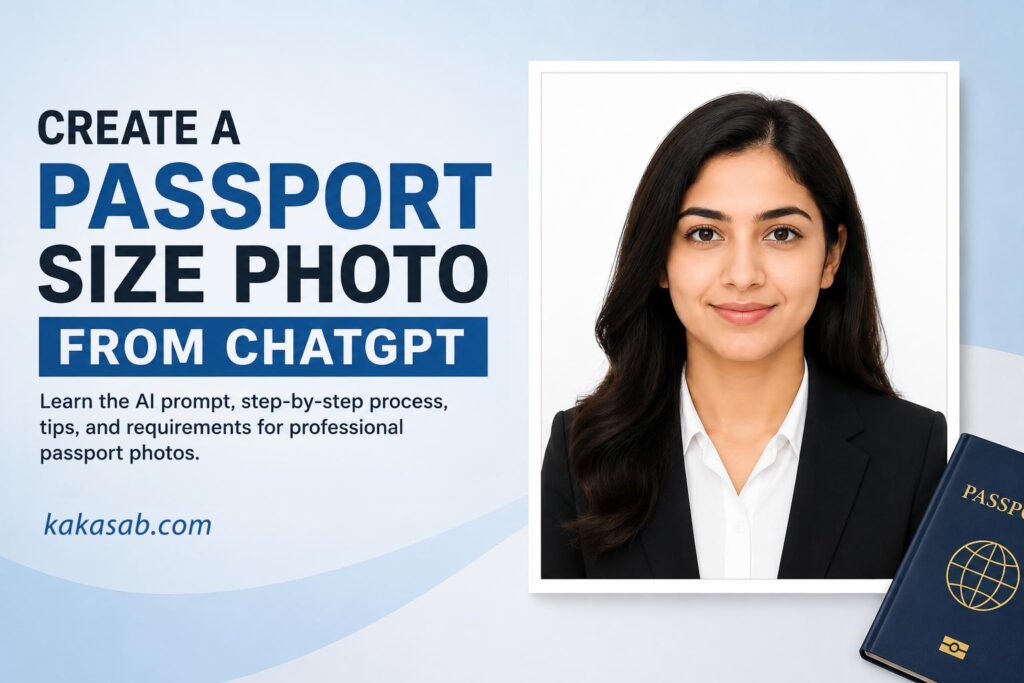
Passport Size Photo from ChatGPT: How to Create a Professional Passport Photo from Any Picture (Step-by-Step Guide)

Need a passport-size photo in a hurry? Thanks to the latest AI image generation capabilities, creating a Passport Size Photo from ChatGPT has become faster and easier than ever. Instead of visiting a photo studio or using complex photo editing software, you can transform a clear portrait into a professional passport-style image in just a few minutes.
Whether you need a passport photo for a visa application, job application, student ID, government form, or professional profile, ChatGPT can help you create a clean, studio-style portrait that closely follows common passport photo guidelines.
Important: AI-generated passport photos may not be accepted for official government documents in every country. Always check the latest passport photo requirements issued by the relevant authority before submitting your application.
What Is a Passport Size Photo from ChatGPT?
A Passport Size Photo from ChatGPT is an AI-generated passport-style portrait created from an existing photograph. By uploading a clear image and using a carefully written prompt, ChatGPT can generate a front-facing portrait with a white background, balanced lighting, and appropriate head positioning.
This technology is ideal for creating draft passport photos, professional profile images, and ID-style portraits where permitted.
Why Create a Passport Size Photo from ChatGPT?
There are several advantages to using ChatGPT instead of traditional photo editing tools.
- Save Time
No need to visit a photo studio or wait for editing.
- Professional Appearance
ChatGPT can create:
- Plain white background
- Studio-quality lighting
- Natural skin tones
- Sharp facial details
- Proper head alignment
- Easy to Use
You don’t need Photoshop or any editing experience.
- High-Resolution Images
The generated image is suitable for printing or digital applications, depending on the platform’s capabilities.
What You’ll Need
Before creating your Passport Size Photo from ChatGPT, prepare the following:
- A high-quality portrait
- Face clearly visible
- Good lighting
- No heavy filters
- Neutral facial expression (preferred)
- Minimal background distractions
The better your original photo, the better the AI-generated result.
ChatGPT Prompt for Creating a Passport Size Photo
Upload your image and use the following prompt:
Create a realistic, high-resolution passport-size portrait of the person in the uploaded photo facing directly toward the camera with a neutral facial expression and both eyes open. The person is centered in the frame, with shoulders visible, wearing plain, solid-colored formal or casual clothing without patterns. Use a plain white background with even, soft lighting and no harsh shadows. Ensure the face is sharp, natural skin tones are preserved, and there are no accessories covering the face (unless for religious or medical reasons). The image should be photorealistic, front-facing, with proper head spacing suitable for official passport requirements. Aspect ratio 35mm × 45mm, studio-quality, ultra-realistic, high detail.
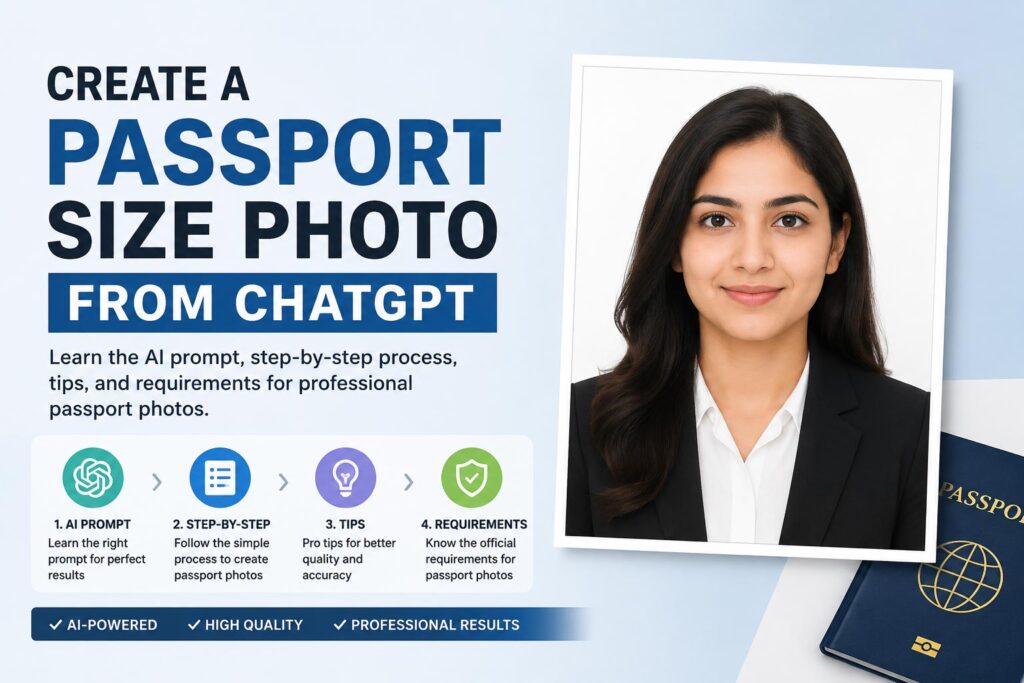
How to Create a Passport Size Photo from ChatGPT
Step 1: Open ChatGPT
Use a version of ChatGPT that supports image generation and image editing.
Step 2: Upload Your Photo
Choose a recent photograph where:
- Your face is fully visible.
- Both eyes are open.
- The image is sharp.
- Lighting is even.
- There are no heavy shadows.
Avoid blurry selfies or photos taken from unusual angles.
Step 3: Paste the Prompt
Copy the prompt above into ChatGPT after uploading your image.
The AI will generate a passport-style portrait based on your original photo.
Step 4: Review the Generated Image
Check the following:
- White background
- Face centered
- Neutral facial expression
- Natural skin color
- Good lighting
- Proper head spacing
- High resolution
If necessary, ask ChatGPT to make adjustments such as:
- “Please brighten the image slightly.”
- “Change my shirt to a plain navy blue shirt.”
- “Reduce the head tilt.”
- “Make the background pure white.”
Step 5: Download Your Passport Size Photo
Once you’re satisfied with the result, download the final image.
If you’re using it for an official application, compare it with your country’s passport photo specifications before printing or submitting it.
Tips for Getting the Best Passport Size Photo from ChatGPT
Follow these recommendations for the highest-quality results:
- Use a recent photograph.
- Face the camera directly.
- Keep a neutral facial expression.
- Remove sunglasses.
- Avoid hats unless worn for religious or medical reasons.
- Use high-resolution images.
- Avoid beauty filters.
- Make sure your entire face is visible.
Is a Passport Size Photo from ChatGPT Accepted for Official Documents?
Acceptance depends on the country and the organization requesting the photo.
Many passport offices require:
- A recent photograph.
- No digital alterations that change your appearance.
- Specific dimensions.
- Correct facial expression.
- White or light-colored background.
- Proper lighting.
Although ChatGPT can generate an excellent passport-style portrait, some authorities may reject AI-generated or significantly edited images. Always review the official guidelines before using an AI-generated photo for passports, visas, or other government-issued documents.
Common Uses for a Passport Size Photo from ChatGPT
A Passport Size Photo from ChatGPT can be useful for:
- Visa applications
- Student ID cards
- Employee ID cards
- Membership cards
- Professional resumes
- LinkedIn profiles
- Company directories
- Digital identity verification where accepted
Frequently Asked Questions
Can ChatGPT create a passport photo from any picture?
Yes. If your original image is clear and your face is fully visible, ChatGPT can generate a passport-style portrait with a white background and studio-quality lighting.
Can ChatGPT remove the background?
Yes. ChatGPT can replace distracting backgrounds with a clean white background suitable for passport-style photos.
Can ChatGPT change clothing?
Yes. It can generate plain, solid-colored clothing if requested. However, changing clothing may not be acceptable for official government applications.
What is the standard passport photo size?
Many countries use 35 mm × 45 mm, but photo size requirements vary by country. Always verify the official specifications before submitting your application.
Final Thoughts
Creating a Passport Size Photo from ChatGPT is one of the quickest ways to turn an ordinary portrait into a professional-looking passport-style image. With a simple AI prompt, ChatGPT can generate a high-resolution portrait featuring a white background, balanced lighting, natural skin tones, and proper framing.
While this method is excellent for practice, personal use, and many non-government applications, always confirm that your AI-generated image meets the official requirements of the authority requesting the photo. By combining a high-quality original image with the right prompt, you can achieve impressive, studio-like results in just a few minutes.
You may also like to read: Lord Shiva Wall Art AI Photo Editing Prompts


